Resources
Courses
- Help Center
- 5
- Courses
FAQs
Course Access and Enrollment
Access the SCTE training portal by logging into account.scte.org and clicking “My Courses” under the navigation menu.
For additional assistance with course access, download our step-by-step directions (PDF).
CableLabs All Access Members include online training. To use your benefits, log in to account.scte.org, click “My Courses” and enroll directly in the SCTE training portal. Don’t have an account? Register using the “Sign Up” button on scte.org using your company email address.
Corporate Alliance Partnerships may also include training coverage. Please check with your management team for details.
Watch our video guide on how to enroll others in SCTE training courses.
If needed, employees can contact our Membership Services team to update their organization details by emailing [email protected] or calling 800-542-5040, option 1.
Course Completion
Employees can share their course progress with you under their profiles, but there is no way for them to directly share this information with you. Once they complete their course final exam and course evaluation, learners can forward you a copy of their course completion certificate for your records.
If you are a corporate partner, you can request additional information at [email protected].
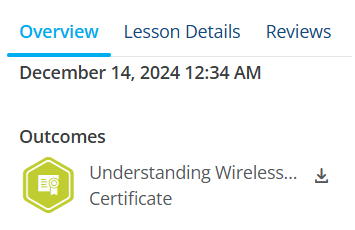
To generate a course completion certificate you must complete the final exam and course evaluation in the SCTE training portal. Once the evaluation is complete, your course completion certificate will be available for download.
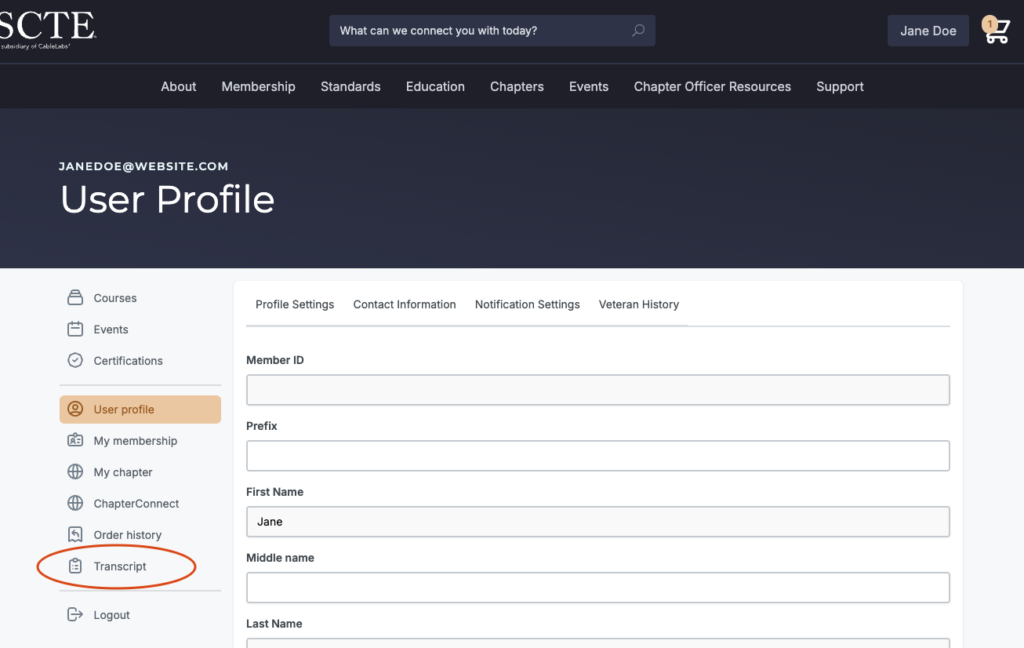
To access your SCTE course completion certificate, first log in to your account.
Once logged in:
Hover over your name on the top right corner of the webpage and select “My Courses” in the dropdown menu. This will direct you to your learning dashboard.

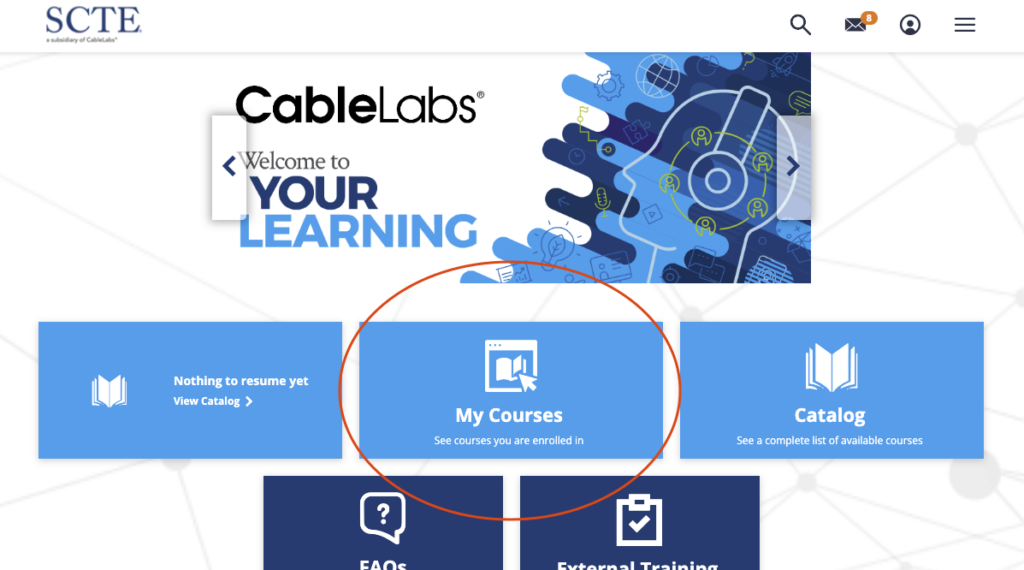
Once on your learning dashboard, Click on “My Courses”.
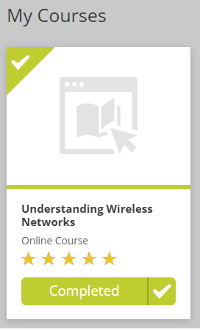
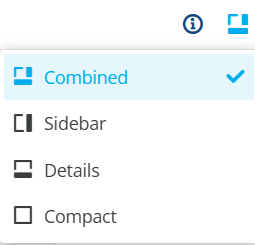
Search for your completed course and click on the “Completed” button. Note: Make sure you are in either the Combined or Details view (found on the top right side)
Click “Overview” at the bottom of the page. Scroll down to the bottom and click on your certificate.